Supervision Summaries + Supervisor Signatures on 97155 Notes (NM practice only)
Last updated: May 7, 2026
Orbit now includes a “Supervision Summary” tab within each client profile that provides supervising BCBAs with a consolidated view of supervision activity to support clinical oversight, documentation review, and compliance requirements prior to signing 97155 notes.
The Supervision Summary aggregates supervision activity from the most recently signed 97155 note through the current session date, giving providers a single place to review clinical progress, session documentation, and treatment plan updates. This ensures all required supervision information is reviewed before final attestation and supports payer requirements where applicable.
Accessing Supervision Summary
In Orbit, a “Supervision Summary” tab is available within each client’s profile. This tab provides a snapshot of supervision activity from the most recently signed 97155 note through the current session date.

The Supervision Summary can also be accessed directly from within the 97155 note.
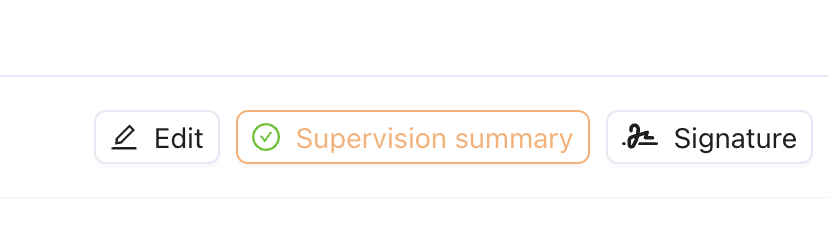
The Supervision Summary includes the following sections:
Session Overview
Lists all supervision sessions within the selected date range
Identifies signed and unsigned 97155 notes
Shows total number of sessions requiring review
Anomalies/High-Level Callouts
Highlights key clinical and operational trends across sessions
May flag concerns such as aggression or lack of expected progress
Supports quick identification of areas requiring attention
Session-Level Details
Breaks down individual supervision sessions
Includes notes, observations, and session-specific callouts
Provides access to linked session documentation
Program-Level Summary
Displays program progress across the selected time period
Highlights changes in performance or clinical trends
Adds context for supervision review and decision-making
Attestation Requirement
Before a BCBA can sign a 97155 note, they must complete the Supervision Summary review.
• The Supervision Summary must be opened and reviewed in full. If incomplete, the signature option will be disabled within the notes. You can click the Supervision Summary button from the note to review.
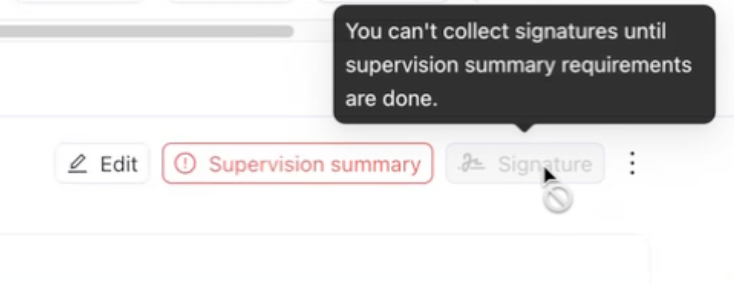
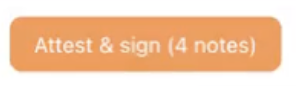
• Once reviewed, the BCBA can click 'Attest & sign', which applies supervision signatures to all relevant sessions in the range.
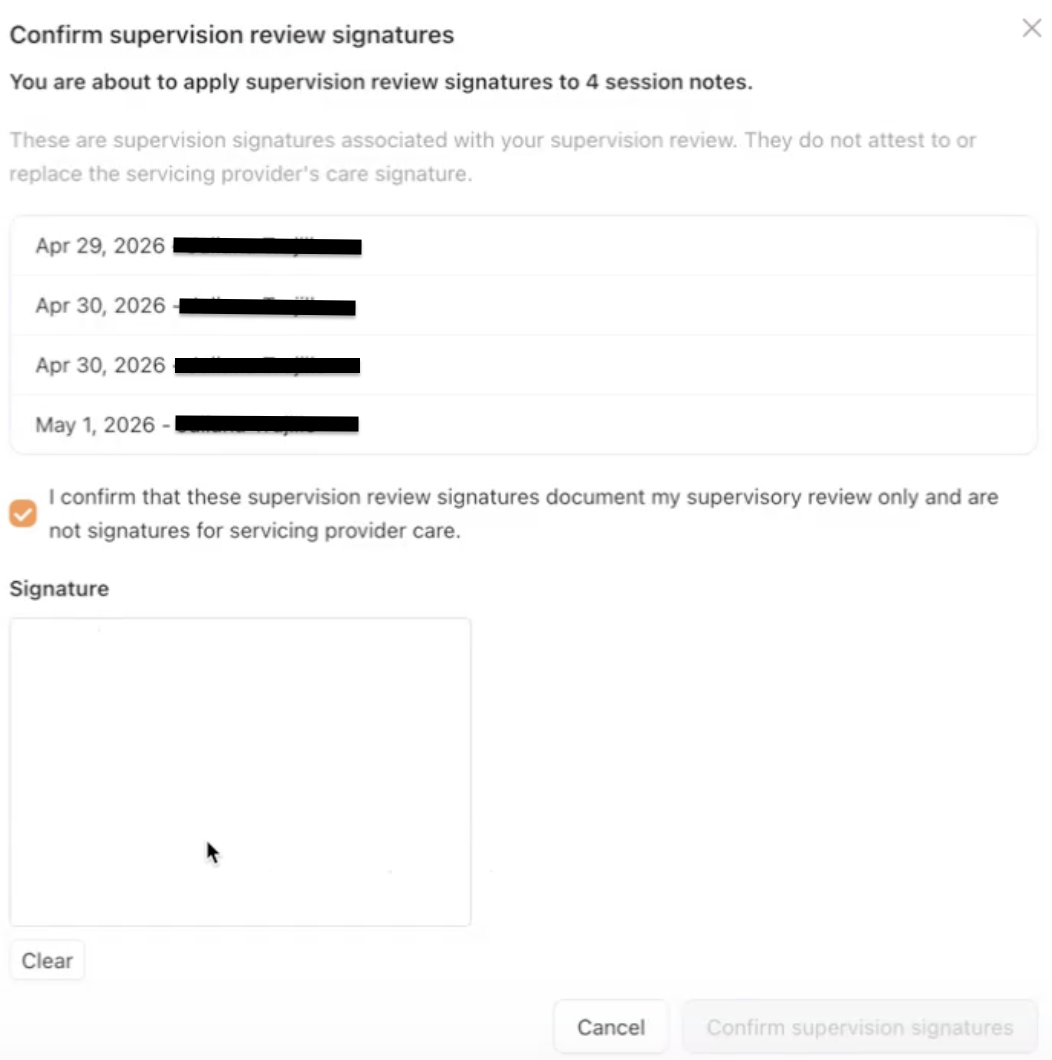
User Experience to note:
A loading state may appear while the summary is generated
The Supervision Summary button may be highlighted to indicate required action
This is supported on both desktop and mobile (mobile layout may be condensed)
You can navigate away from the Supervision Summary and Supervision Note, but signing remains blocked until review is complete
Please reach out to @support with any questions so we can help!